Some of the text is part of a custom label.
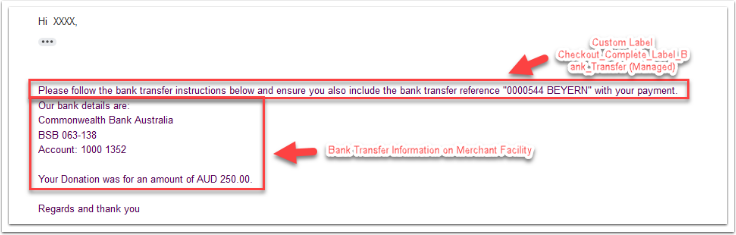
To edit, go to Setup>Custom Labels and find the label Checkout_Complete_Label_Bank_Transfer (Managed). Click edit and add your text.
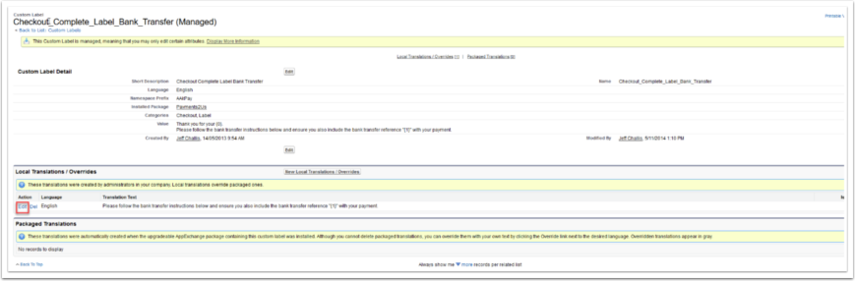
Note: A number of Pay Later Instructions use this Custom Label setting including Invoice Me, Pay Later, EFT, etc. Check these areas if a similar situation arises. The text that the custom label is using is visible in the main list of custom labels.