The most common cause for this is importing a file that is not a CSV (for example, importing an Excel format file). Check you're importing a CSV. If that doesn't solve it, try the steps below.
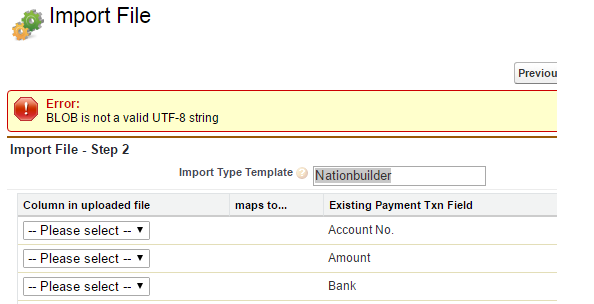
1. Open with Notepad and Save as UTF-8 format
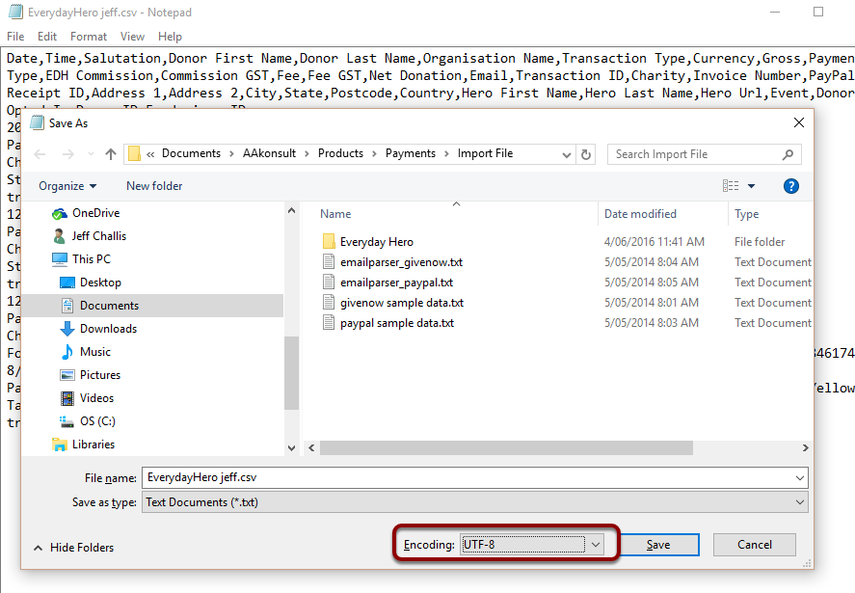
The simplest way to fix this is to open with windows notepad, then select File > Save As - Next ot the SAVE button, select "UTF-8" from the encoding picklist and then SAVE.